PERANAKAN LANGUAGE TILES
This interactive experience aims to educate users on Baba Malay terms that describe different Kuehs from the Peranakan culture, through the physical pairing of mini Peranakan Tiles with syllables printed on its faces. Once correctly paired, the two tiles form a Baba Malay term and trigger the interface to create its 3D model representation. The experience uses a touch-visual-audio interface that introduce novel forms of hands-on interaction, allowing uses to interact with tangible objects and utilize hand gestures to create on screen visual transformations.
THE MOBILE EXPERIENCE
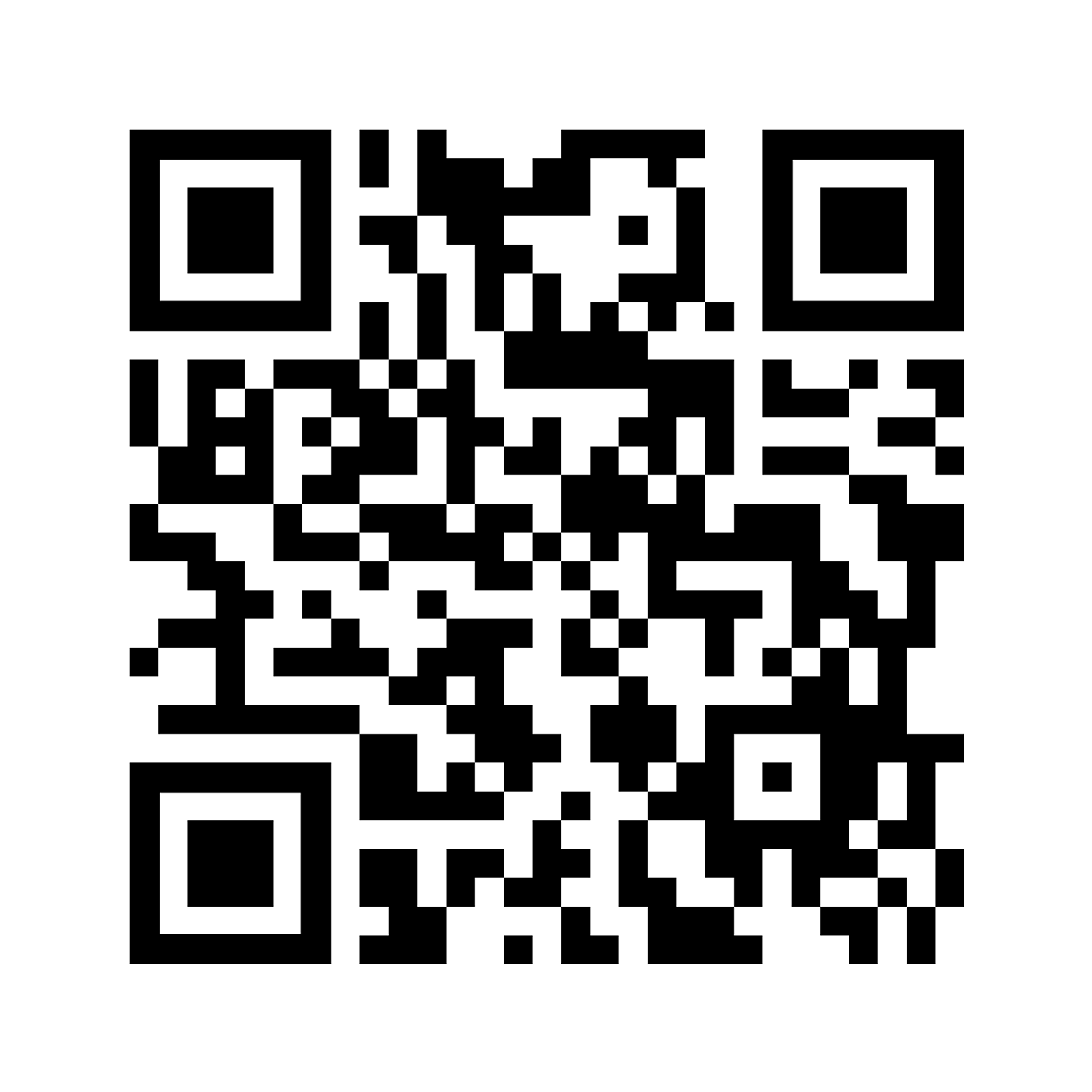
Scan the QR code on the right to try out the mobile version of Peranakan Language Tiles. Using gyro controls present in our everyday phones, tilt your screen to interact with the Pulut Inti Kueh and learn about its heritage. Tilt forward and backwards to dissect, sideways to rotate.
WHAT IS
BABA MALAY?
LANGUAGE OF BABA MALAY
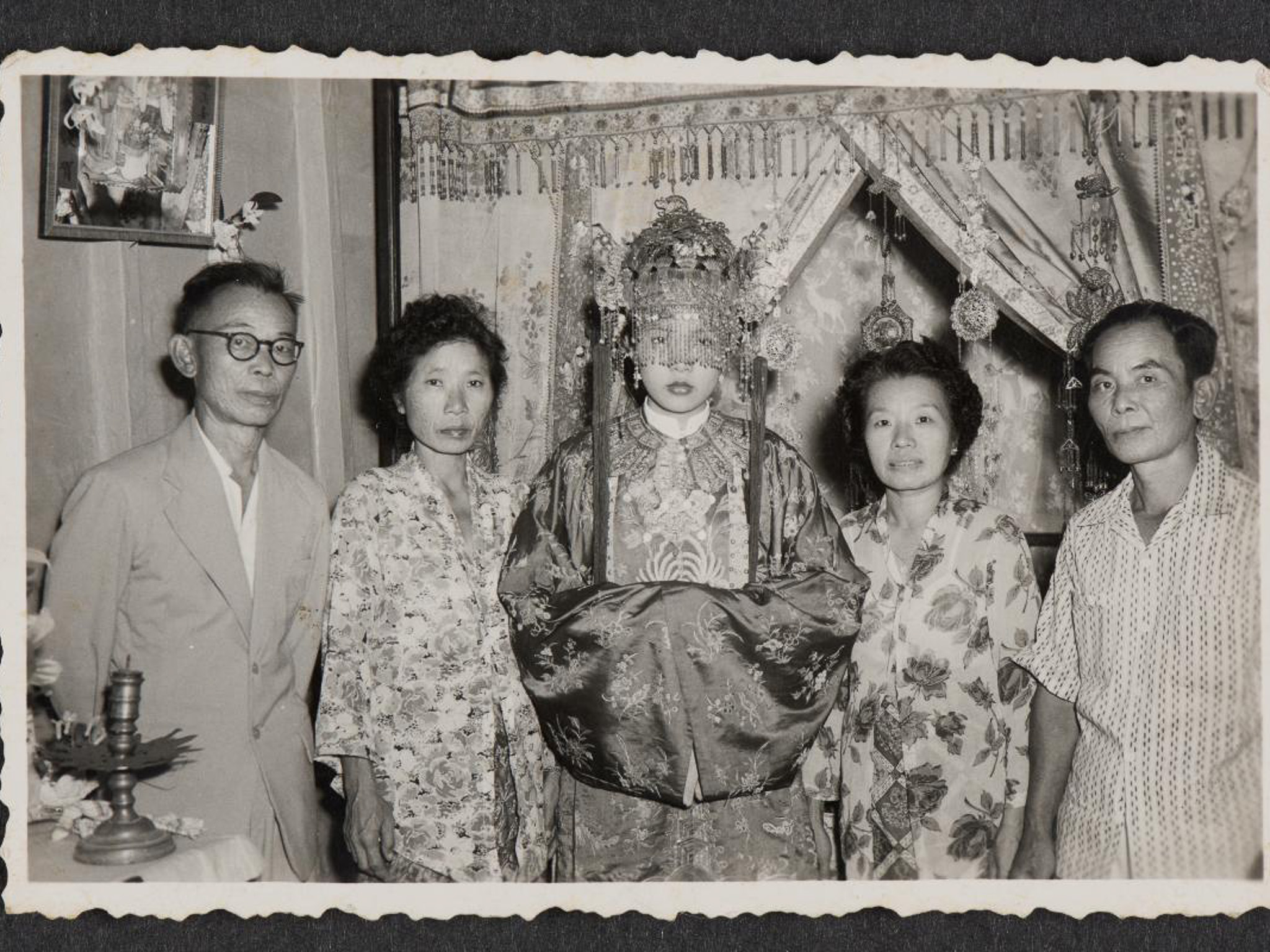
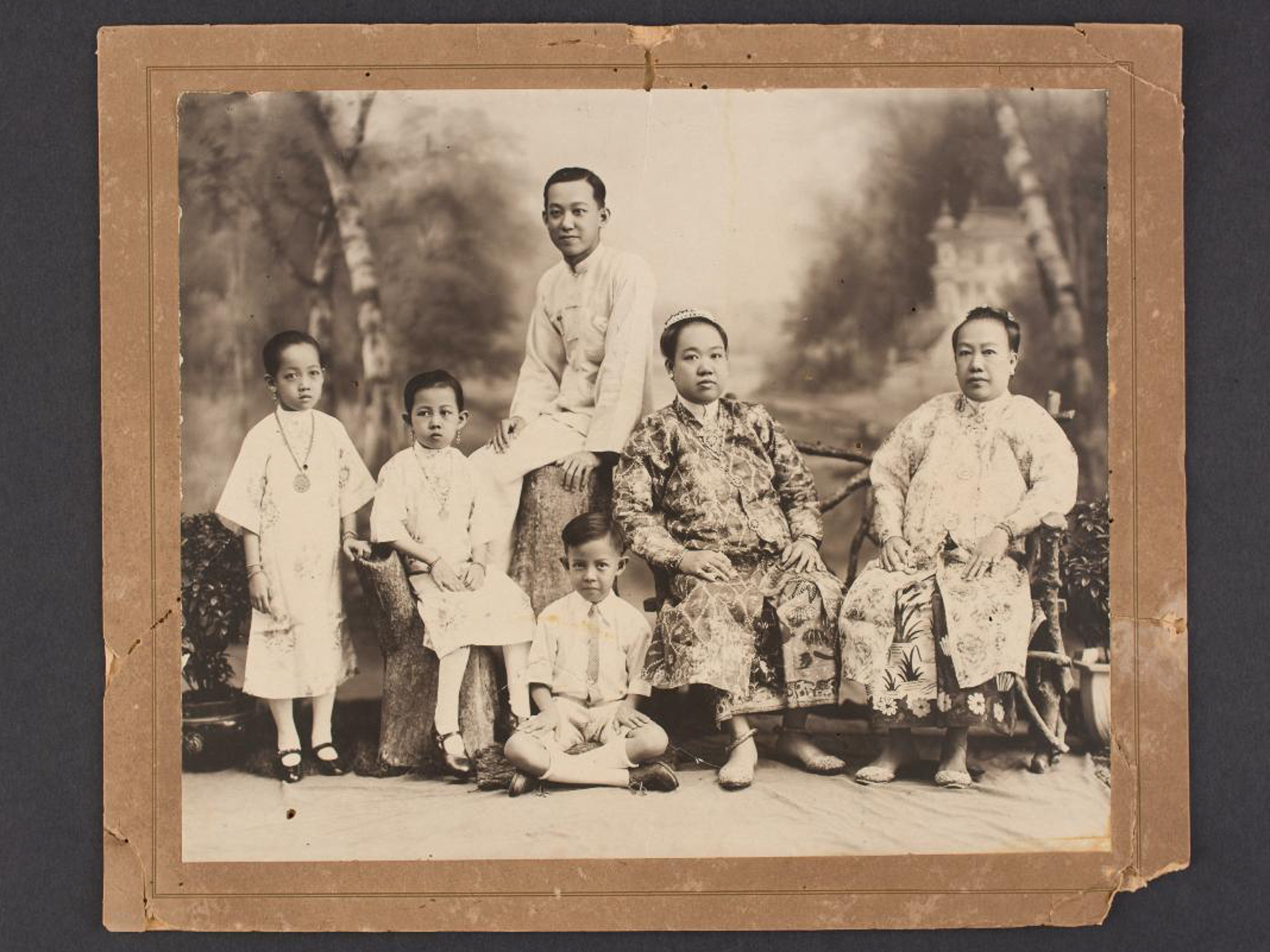
Baba Malay was born from early intermarriages between Hokkien merchants and local Malay women in Singapore. As these pioneering Peranakan families migrated south from Malacca to settle in Singapore during the 19th-century colonial boom, their households developed a new, unique mother tongue that perfectly blended the language of Malay and Hokkien. Once widely used, they are now vulnerable in today's globalised world as English takes precedence.
BRINGING IT BACK WITH
CREATIVE TECHNOLOGY
THE PHYSICAL INTERFACE
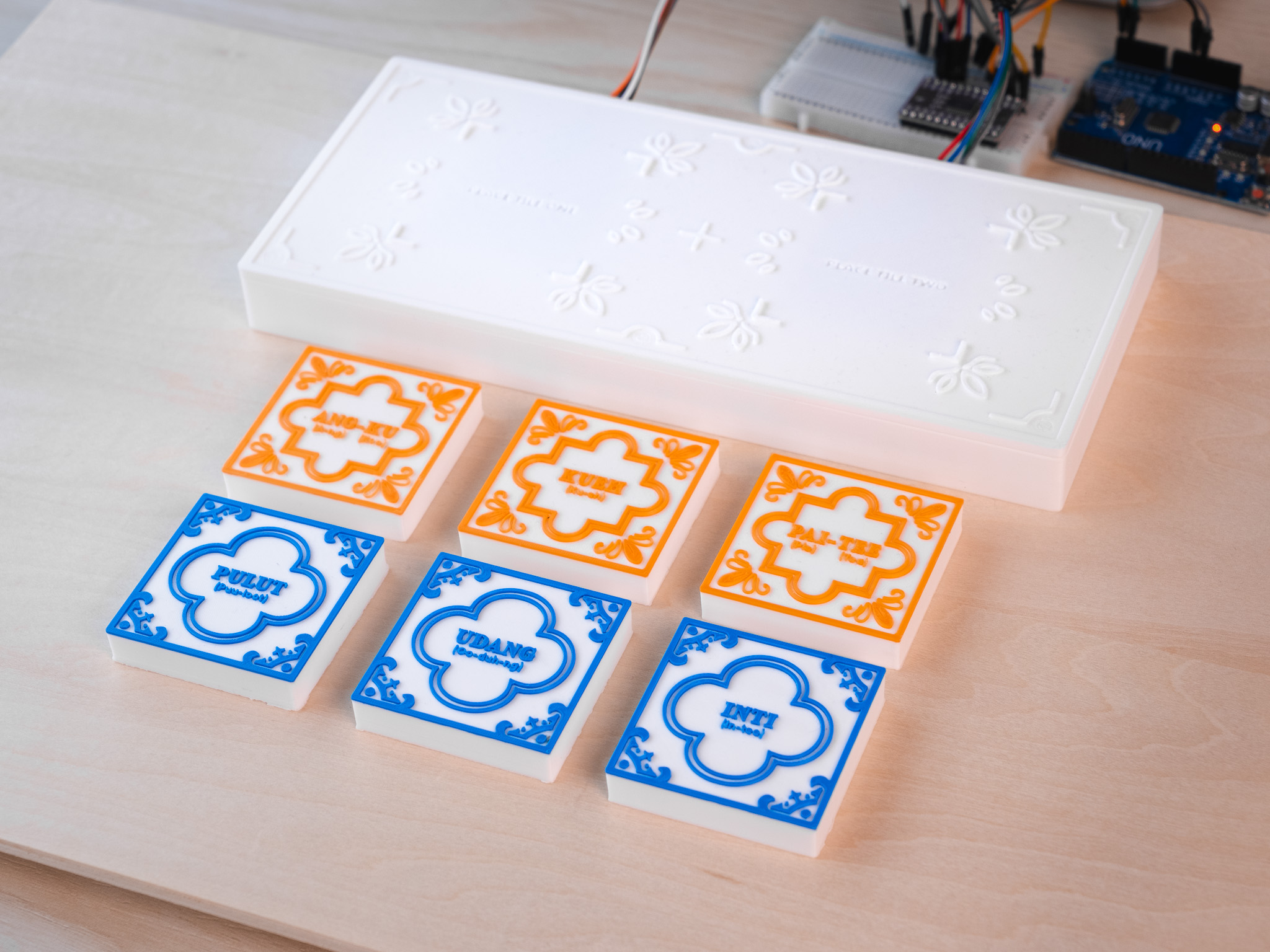
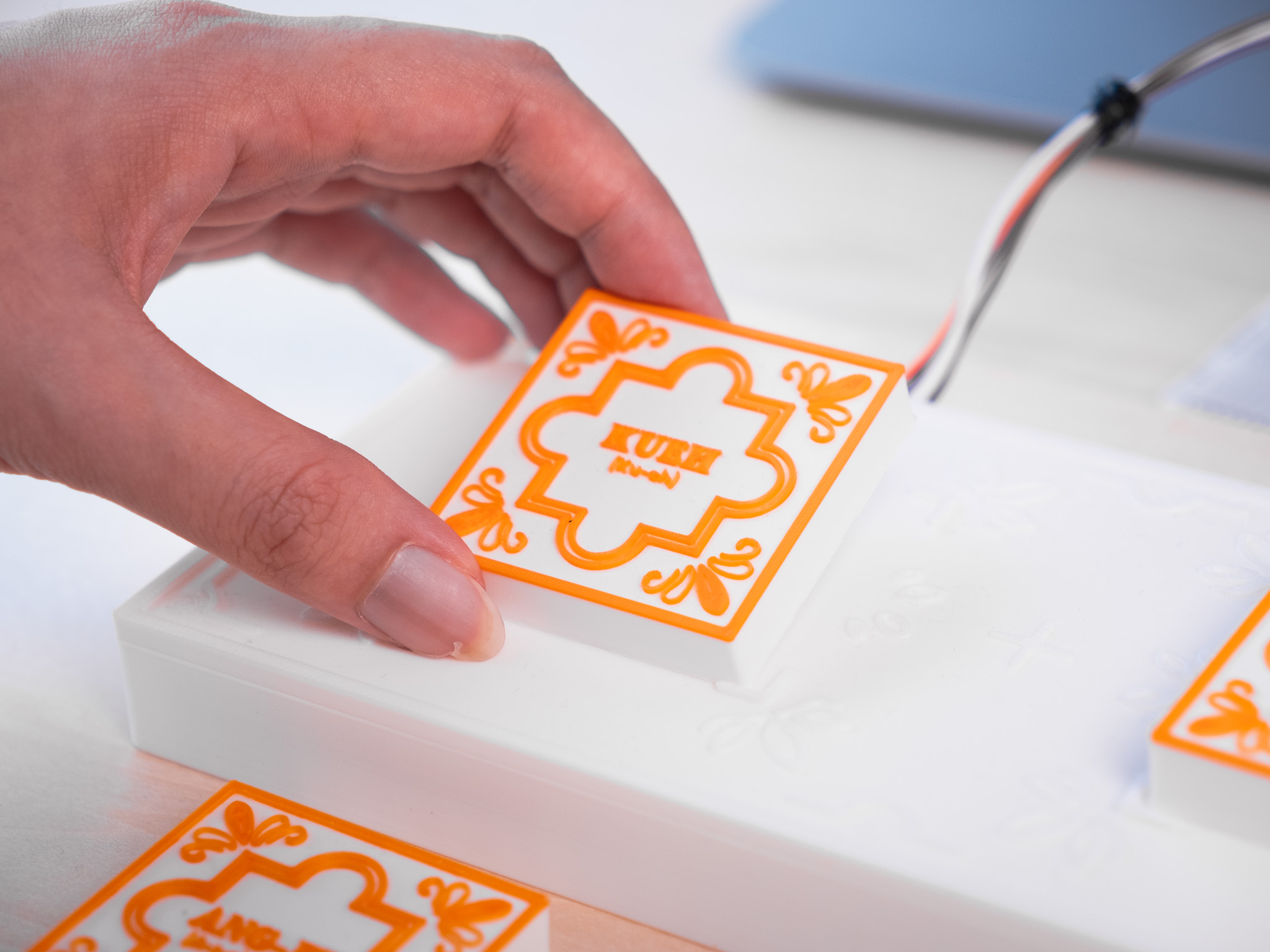
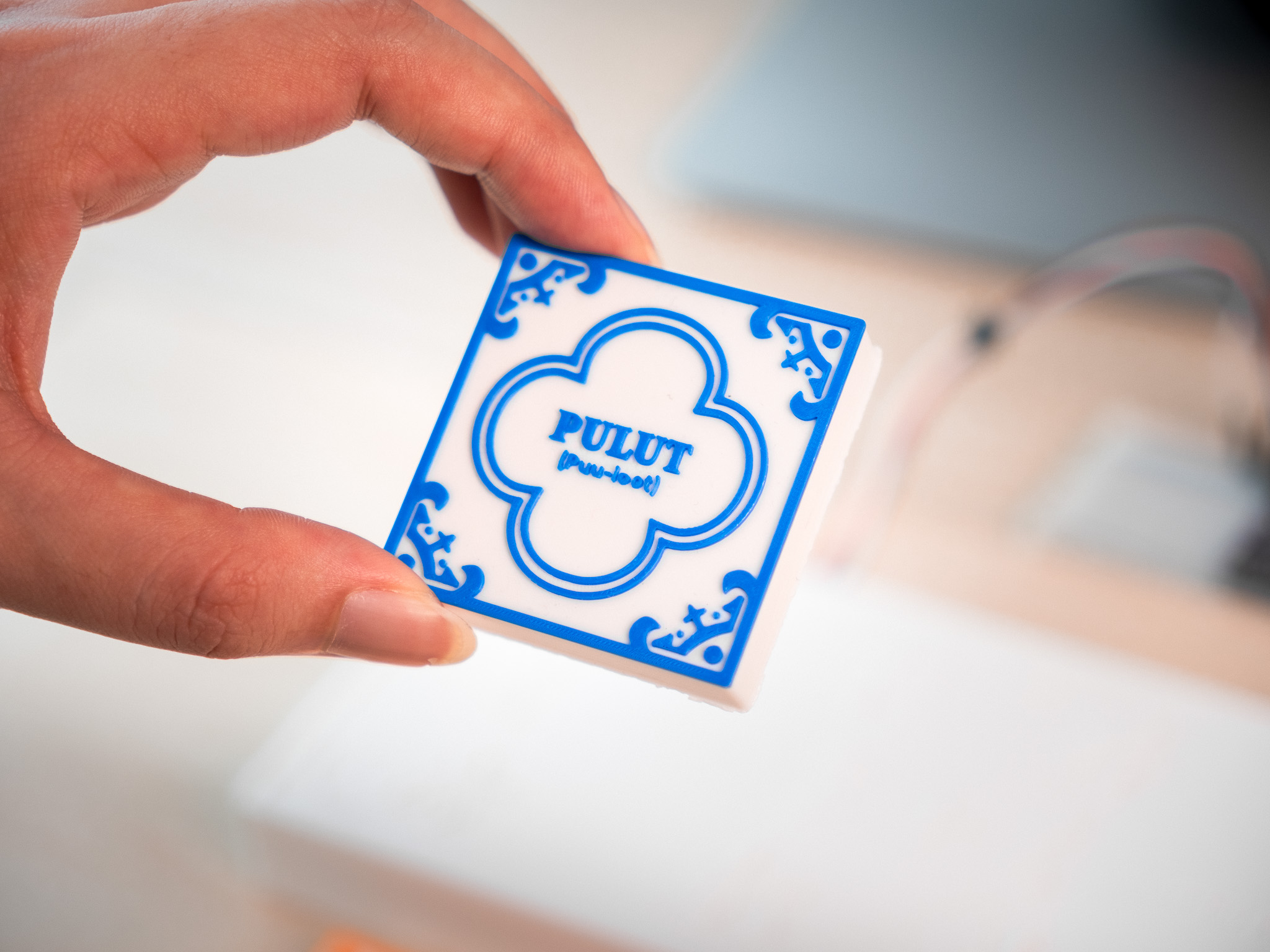
The interactive hardware features a base platform housing NFC sensors and a set of 3D-printed language tiles, all of which were modeled in Blender to reflect traditional Peranakan floral motifs. Beneath each tile lies an NFC tag, providing a unique ID for backend input detection. To enrich the learning experience, the tiles visually communicate their history through color. Blue pieces highlight kuehs with Malay influences, while orange pieces represent Chinese origins, allowing users to explore the cultural roots of each item on a deeper level.
GESTURAL INTERACTIONS
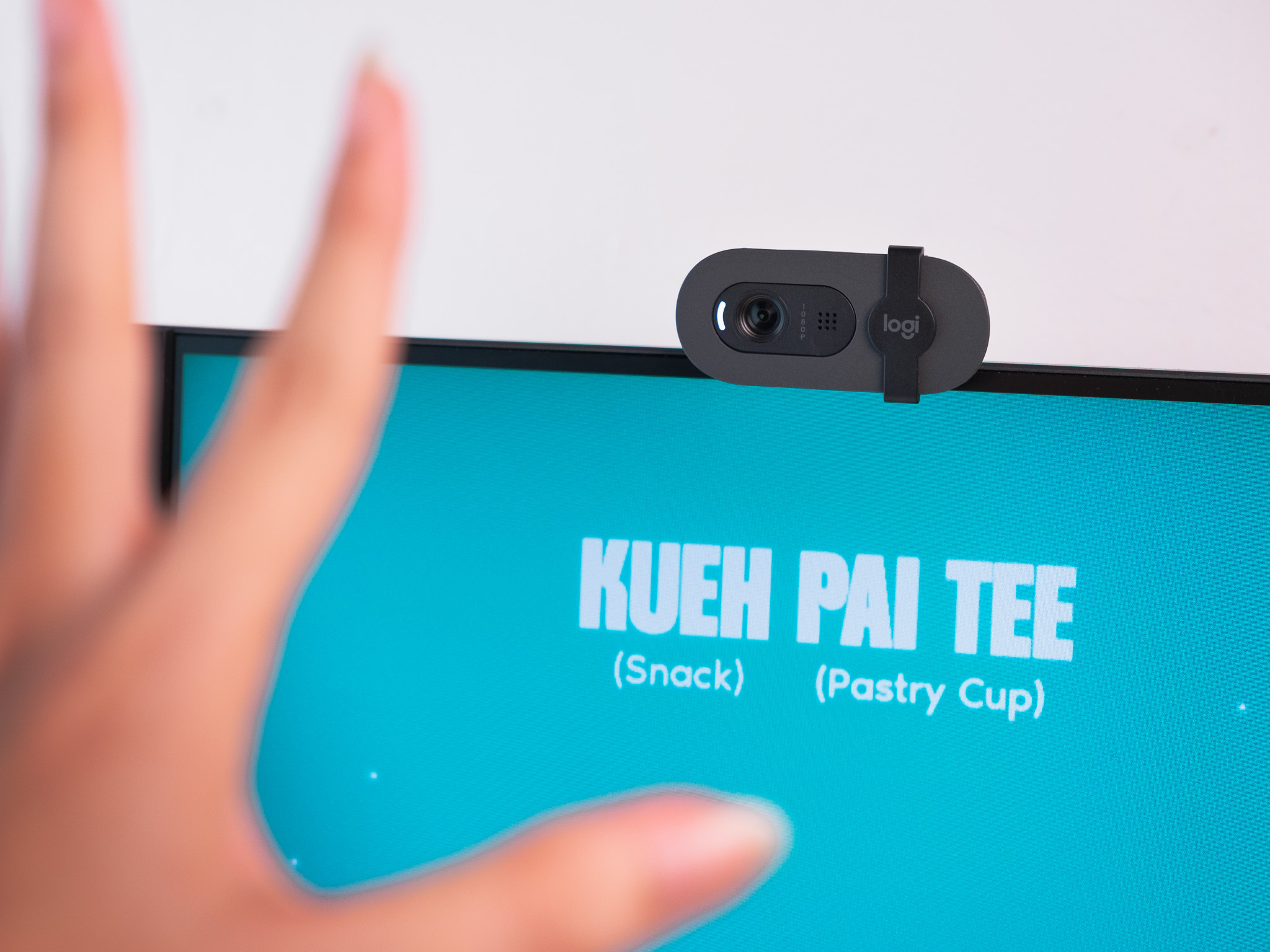
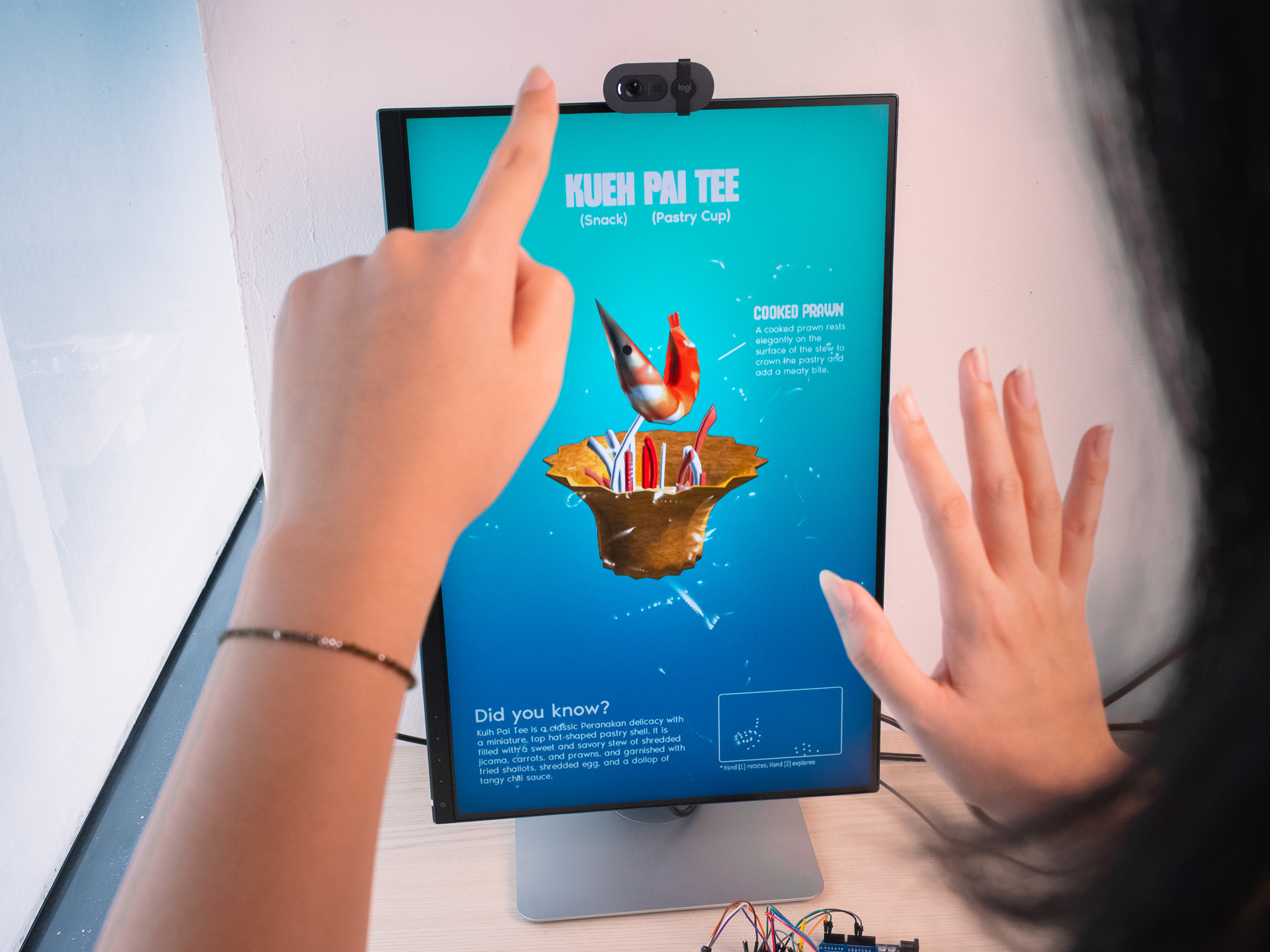
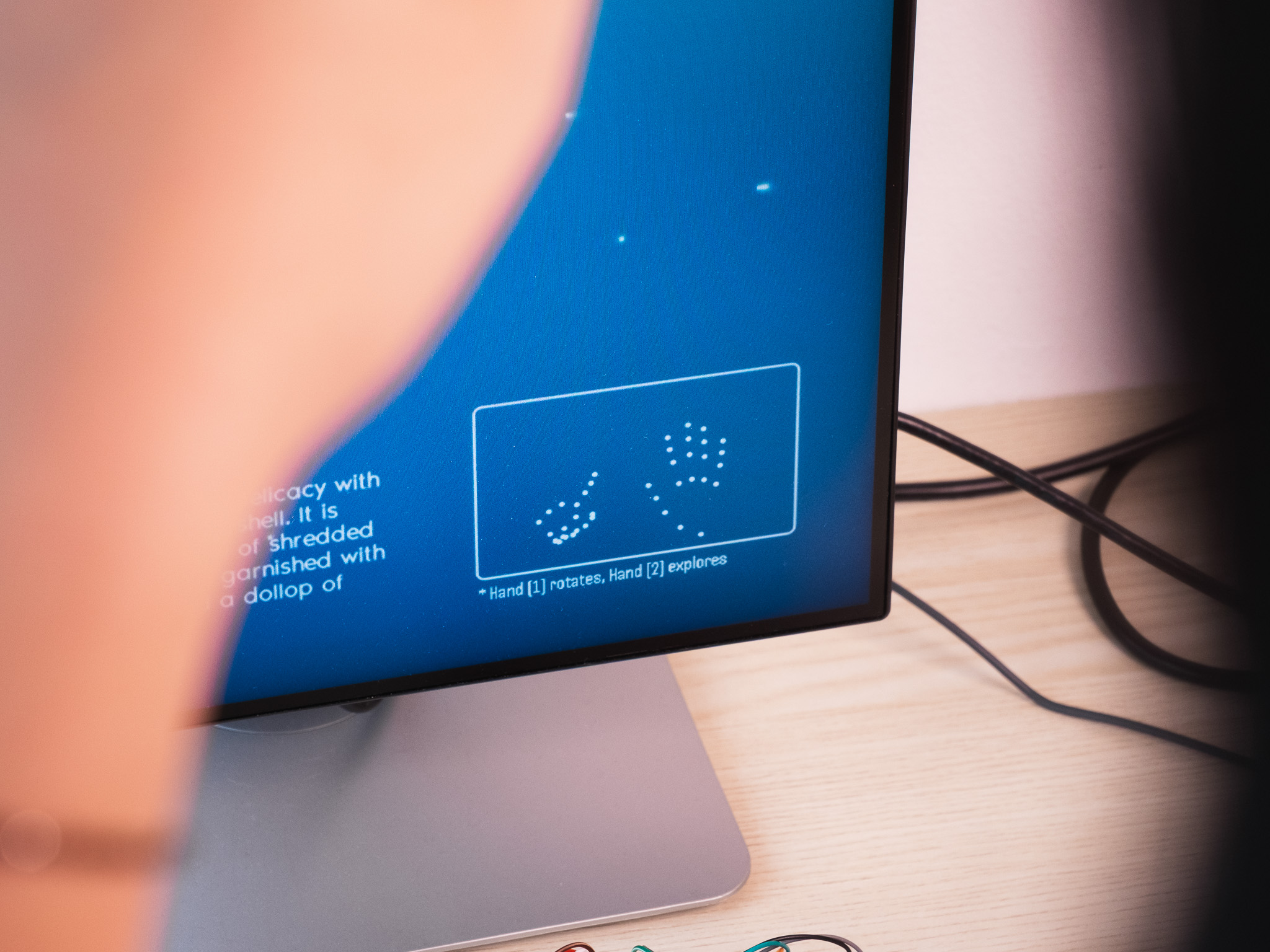
The interface leverages the MediaPipe plugin within TouchDesigner to enable real-time hand tracking, allowing users to intuitively manipulate on-screen 3D models. Specifically, the system maps the index fingertip of the primary hand to the model's rotation, while the vertical (Y-axis) movement of the secondary index fingertip controls the spatial translation of individual model components. To ensure seamless interaction, a dynamic bounding box provides continuous visual feedback, highlighting the user's hand position relative to the camera's detection range.
INTERACTION CODING ON TOUCHDESIGNER
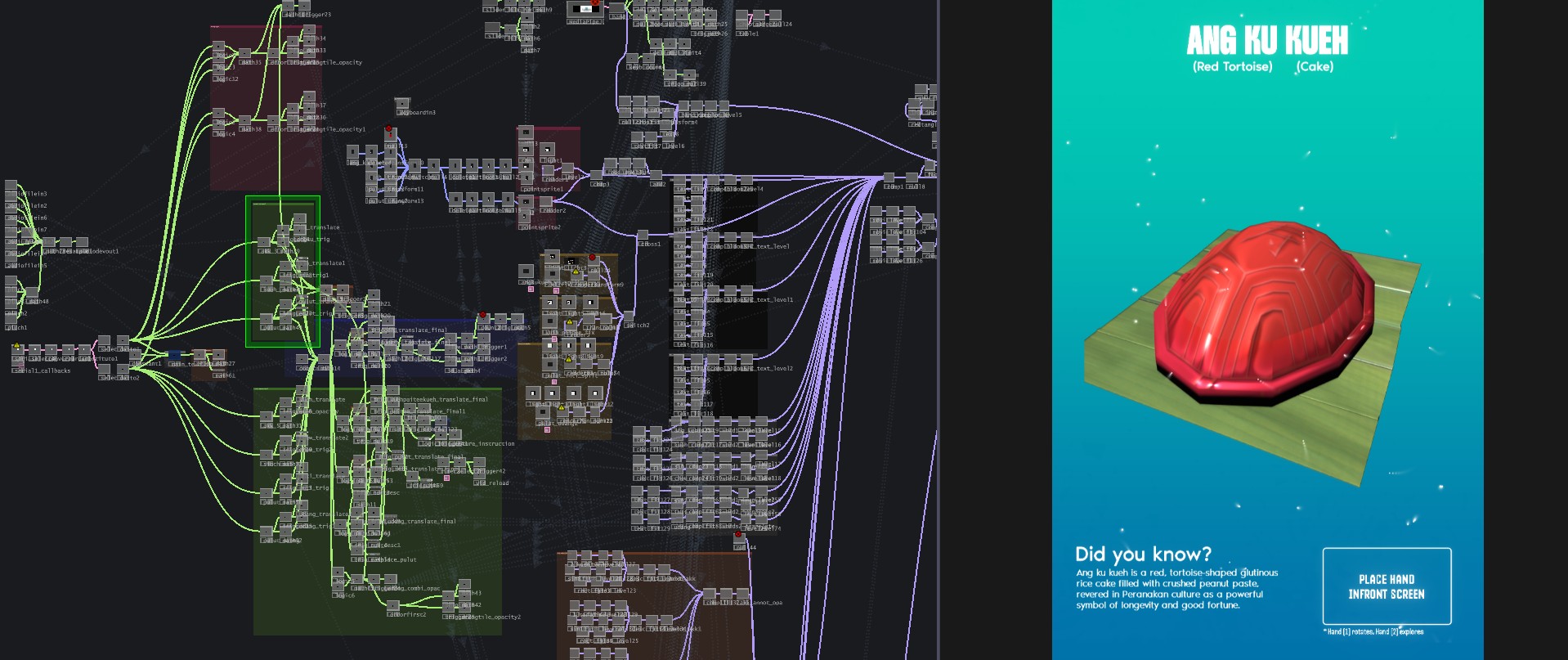
Built entirely within TouchDesigner's node-based environment, this interface utilizes Geometry Instancing to render 3D models in real time. By routing live hand movements and NFC data through a complex but organized CHOP network, user interactions directly manipulate the 3D models' transformations and text appearance.
3D MODELLING
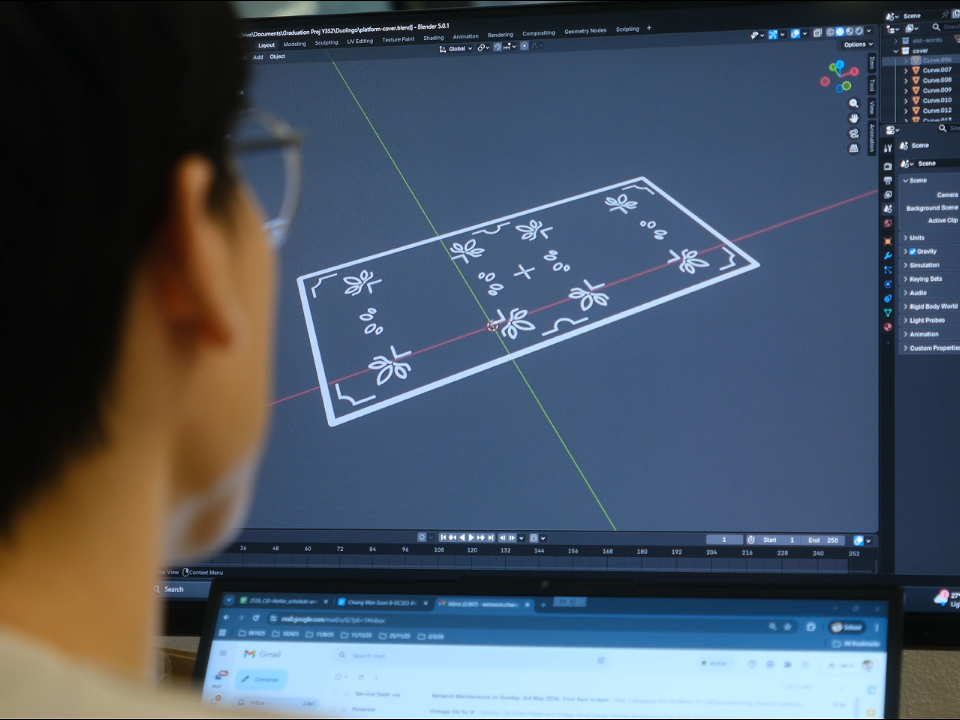
The design of the tiles and platform began as meticulously planned 2D vectors before transitioning into Blender for 3D modeling. During the 3D printing phase, a 0.4 mm nozzle was used for the base platform, while a more precise 0.2 mm nozzle was employed to capture the finer textures of the language tiles. To bring the designs to life, the tiles were printed using multiple colored filaments, achieving a vibrant, multi-colored finish.